
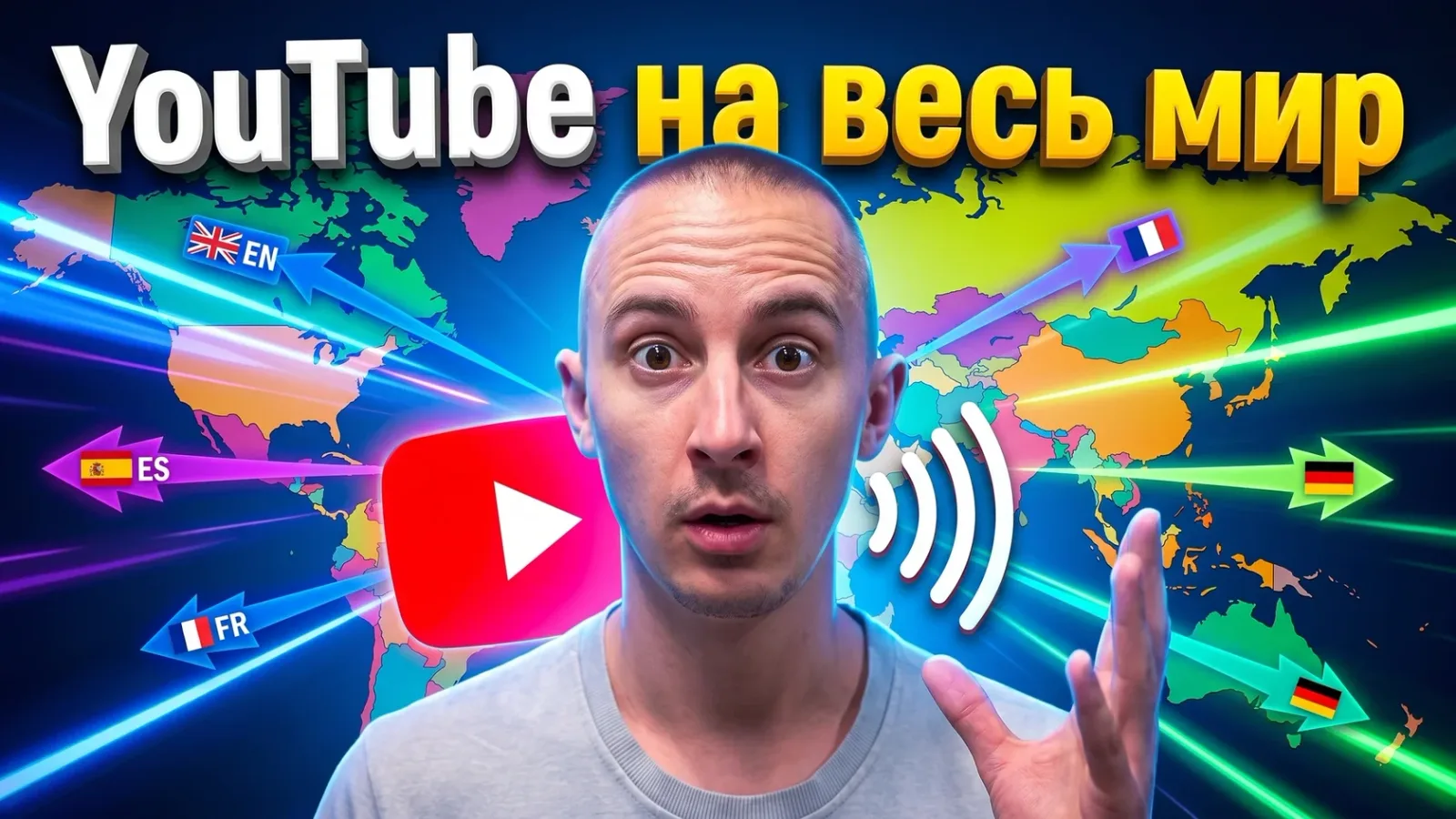
A simple path to a multilingual channel, without the manual routine
Why Everyone Needs Subtitles and Translations
YouTube is a global platform. Even if you film in one language, your viewers may be in Kazakhstan, Ukraine, Europe, the US or Latin America.
If you add subtitles or create translations, your reach can grow (by how much depends on the channel and languages).
Plus:
- better understanding for the hard of hearing and for people whose native language is different,
- higher engagement,
- better SEO and more YouTube recommendations,
- the chance to enter an international market without launching a second channel.
What Automation Gives You
You used to have to:
- transcribe speech by hand,
- sync the timecodes,
- pay a translator for every phrase.
Now AI does it in minutes.
What You Can Automate
| Task | Can it be automated? | Example tools |
|---|---|---|
| Speech transcription | Yes | YouTube Studio, Whisper AI |
| Subtitle translation | Yes | Translate Subtitles, SubtitleBee |
| Voice-over in another voice | Yes | HeyGen, ElevenLabs |
| Face and lip replacement for a language | Partly | Synthesia, Rask.ai |
| Timing edits | Needs checking | Subtitle Edit, Descript |
A Step-by-Step Automation Workflow
Step 1: Get the Subtitles (Transcription)
Options:
- YouTube Studio: upload the video and automatic subtitles appear on their own after a while (the time depends on length and language).
- Whisper AI: a more accurate model from OpenAI, especially useful with background noise or accents.
For a good result, upload a clean audio track without background music.
Step 2: Translate the Subtitles
Tools:
- TranslateSubtitles.com: a simple interface that works with .srt and .vtt files
- DeepL + Subtitle Edit: manual, but with the highest quality
- Veed.io: automatic, online, with a visual editor
Step 3: Check and Edit
Always review the translation for:
- inaccuracies,
- puns,
- names and brands,
- technical terms.
You can use ChatGPT to edit the subtitles for clarity and consistency in the target language. If the video is aimed at sales or expertise, have a native speaker check the translation, at least selectively.
Step 4: Upload the Subtitles Back
In YouTube Studio:
- Open the “Subtitles” menu →
- Choose a language →
- “Upload file” with timecodes → .srt or .vtt
What About Voice-Over and Videos in Other Languages?
If you want a full translation with voice-over, use:
| Tool | What it does | Comment |
|---|---|---|
| Rask.ai | Translation + AI dubbing | Supports dozens of languages, recognizes accents |
| HeyGen | Dubbing + face synthesis | Ideal for short talking-head videos |
| ElevenLabs | Speech synthesis | Lets you voice a video in another language with your own voice |
| Synthesia | Video avatars | Suits corporate and educational content |
YouTube’s Own Auto Dubbing
YouTube can dub videos into other languages itself: automatic dubbing is available in 27 languages, is managed in YouTube Studio and is enabled by default for eligible channels. You can choose whether to review dubs before publishing. Separately there is “multi-language audio”, which lets you upload your own dubbed tracks; it doesn’t create the dub itself. Details: YouTube help on automatic dubbing.
Pitfalls and Nuances
- Don’t rely on 100% automation. AI makes mistakes with numbers, names, brands and stress.
- Check the timing, especially after translation. A one-second shift and the meaning is lost.
- Keep your source files. Always save the .srt / .vtt files and copies of the original so you can refine or reuse them.
SEO and Localization Tips
- Keep the subtitles in the original language even if you have a translation: YouTube uses them for search and recommendations.
- Translate the title, description and tags. YouTube Studio lets you add localized versions.
- If you edit outside YouTube (Adobe Premiere, CapCut Pro), use ready-made subtitle styling templates.
- Automation saves time on routine work, so new markets open faster and the process is easier to delegate.
What Translation Does for Channel Growth
It increases reach: your videos start to be promoted in new countries.
It raises engagement: it is easier for the viewer to understand.
It opens the way to international monetization.
It helps you get offers from brands and partners in other markets.
Want to Scale Your Channel Into Other Languages?
If you understand that translations and subtitles can open a new audience for you but you don’t want to do everything by hand, take a look at how I work.
I help entrepreneurs, experts and teams scale YouTube channels through AI, localization and delegation.